Meowshift
English
Meowshift: Shift Work Calendar

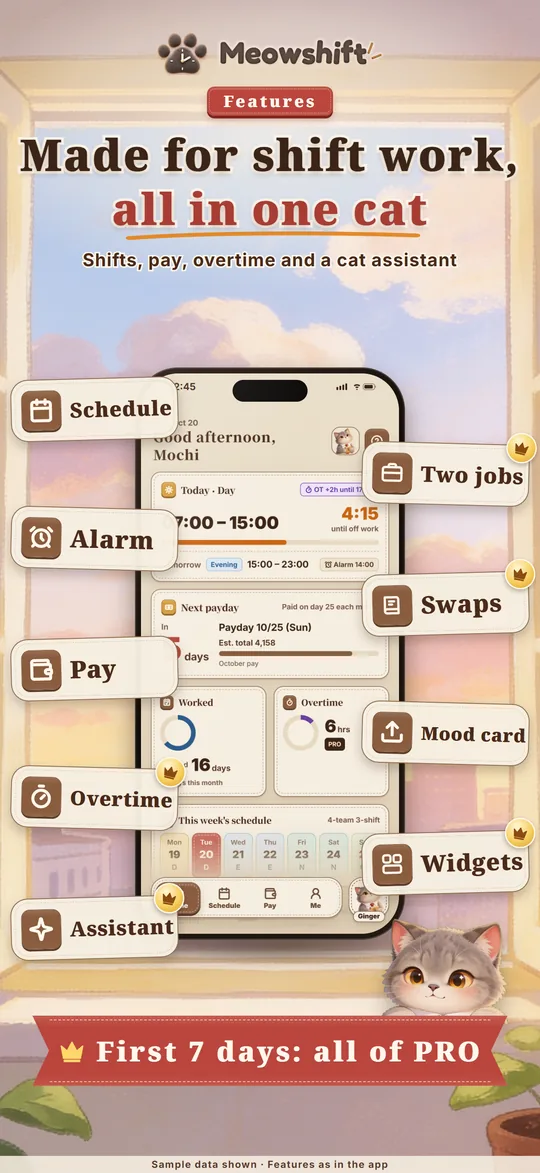
Work is tiring enough, so let Meow handle the schedule!

  • Schedule
  • Overtime pay
  • Payday

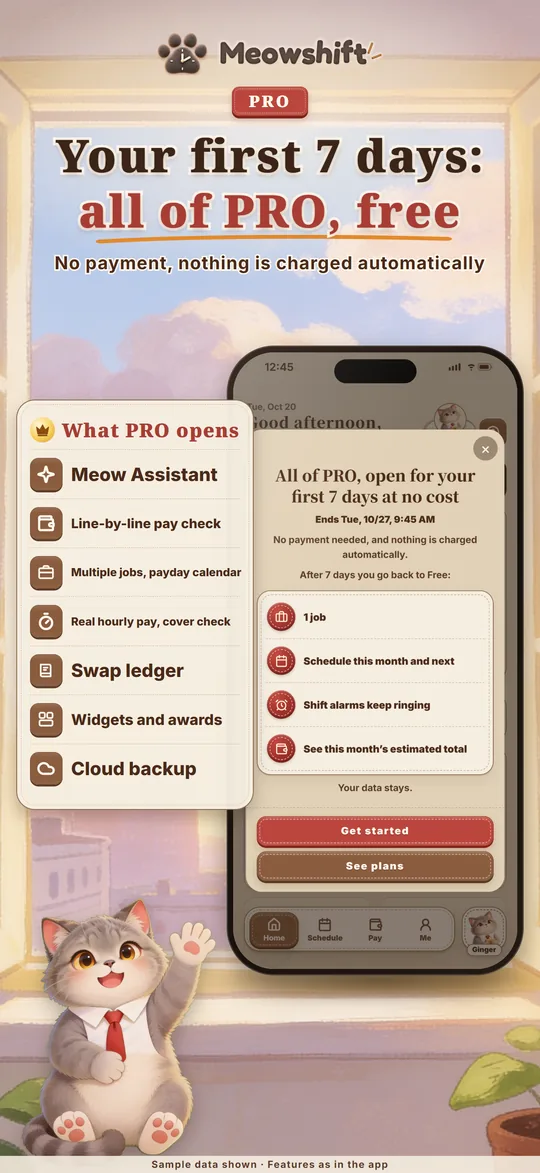
🎁 Full PRO for your first 7 days

What is Meowshift?

Meowshift is made for people who work shifts: nurses, caregivers, factory, retail, security and hospitality staff, and part-timers. Add your shifts to see which days you work, when you finish and roughly what you'll earn this month.


What it does

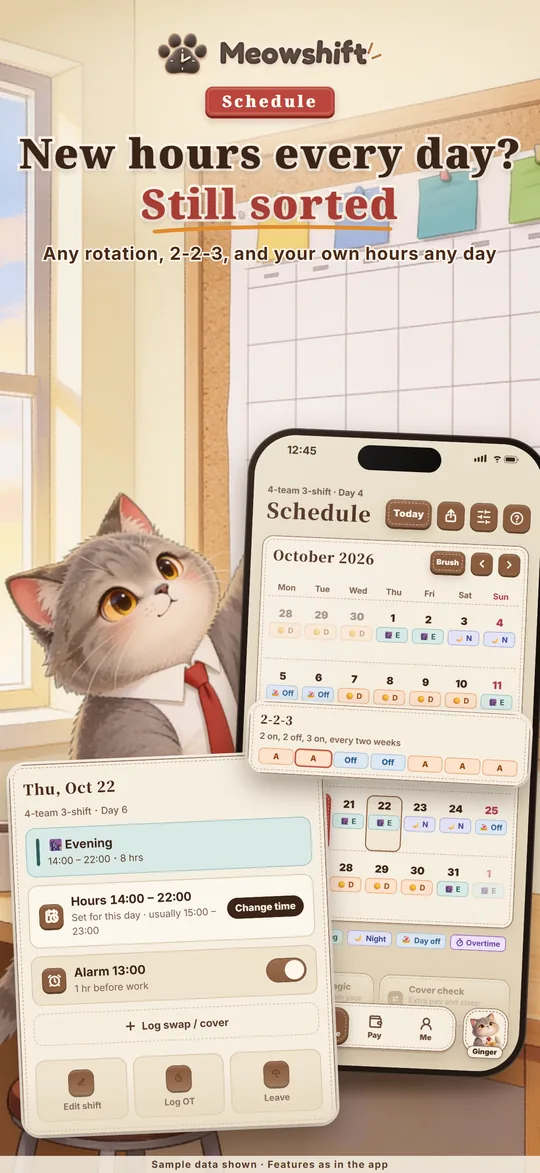
SHIFT CALENDAR

  • Day, evening, night and off shifts on one calendar; use 2 on 2 off, 2-2-3 or the 5-day week as they are, or set up your company's own rotation
  • Different hours each day: change any single day's times, and log half-day and hourly leave too
  • Select several days and fill them in one go, with undo

PAY

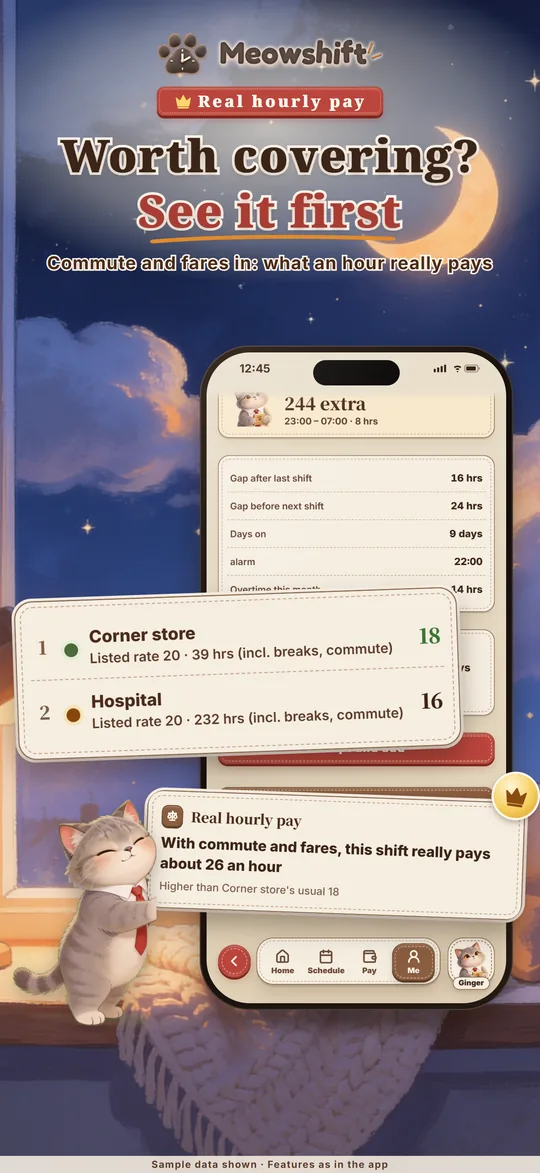
  • Monthly, hourly and part-time pay, with hours added up from your schedule
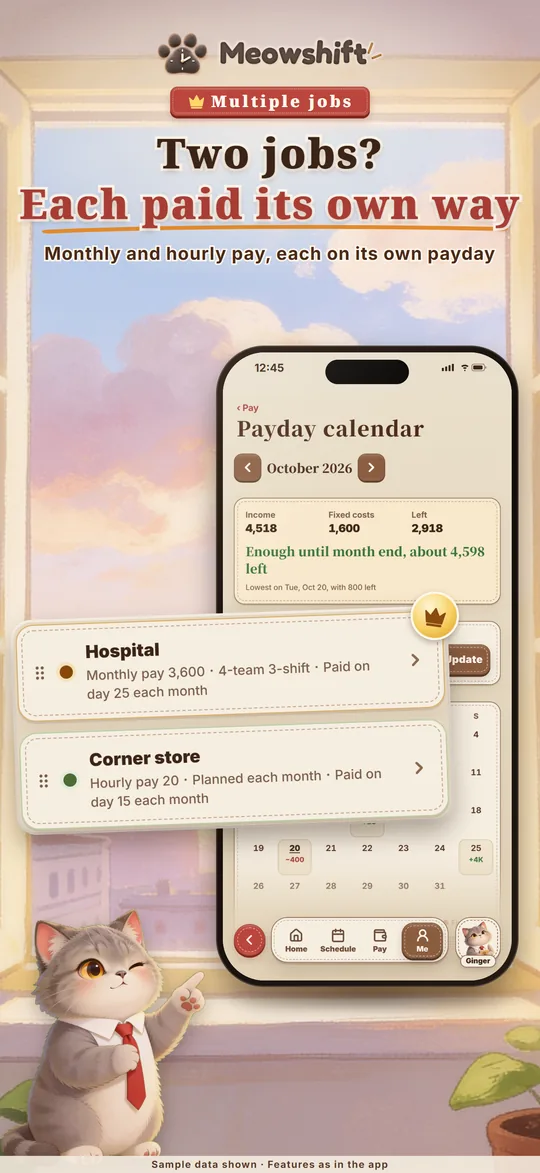
  • Several jobs, each with its own pay and payday, on one payday calendar
  • Overtime at your company's own rates

LEAVE

  • Your company's annual, sick and personal leave; balances update as you book time off, with a reminder before leave expires

EVERY DAY

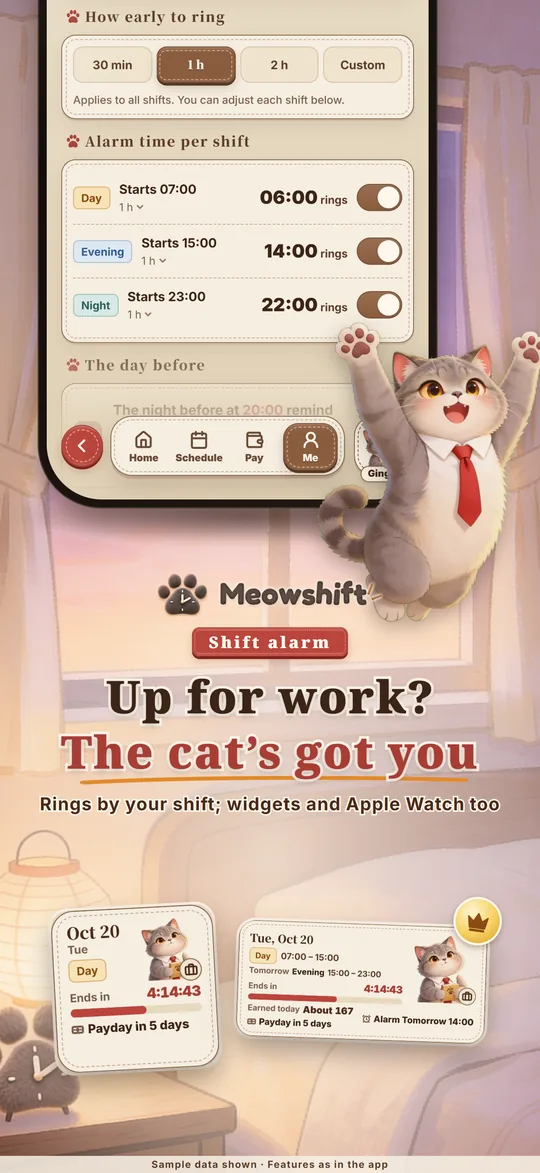
  • Shift alarms for day, evening and night shifts, skipped on days off
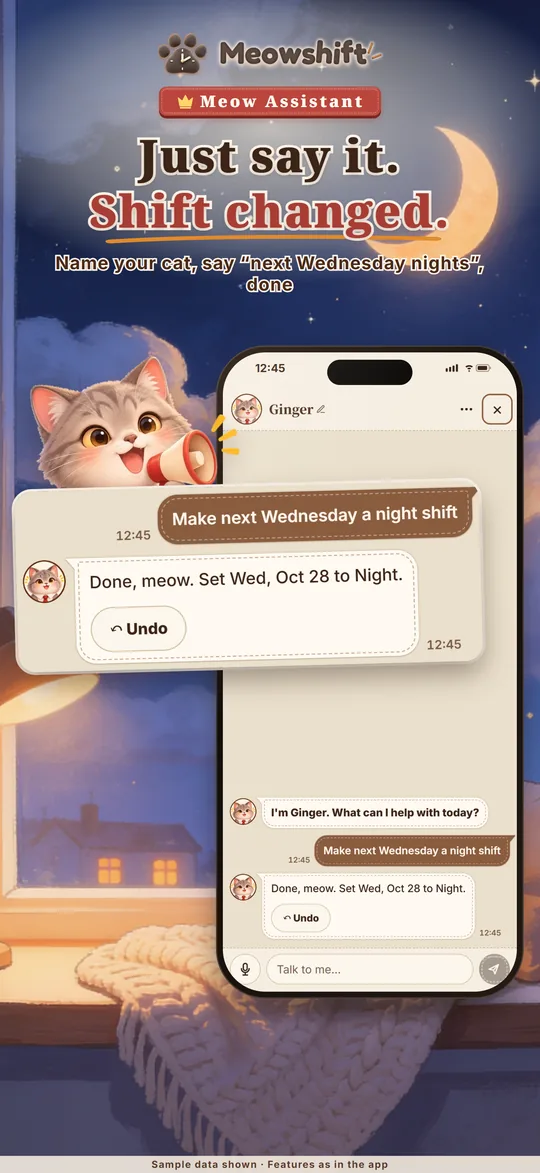
  • Your own Meow Assistant: give it a name, then talk or type one sentence to plan shifts, book leave, log overtime or change your hours; it also chats with you about work and how you feel
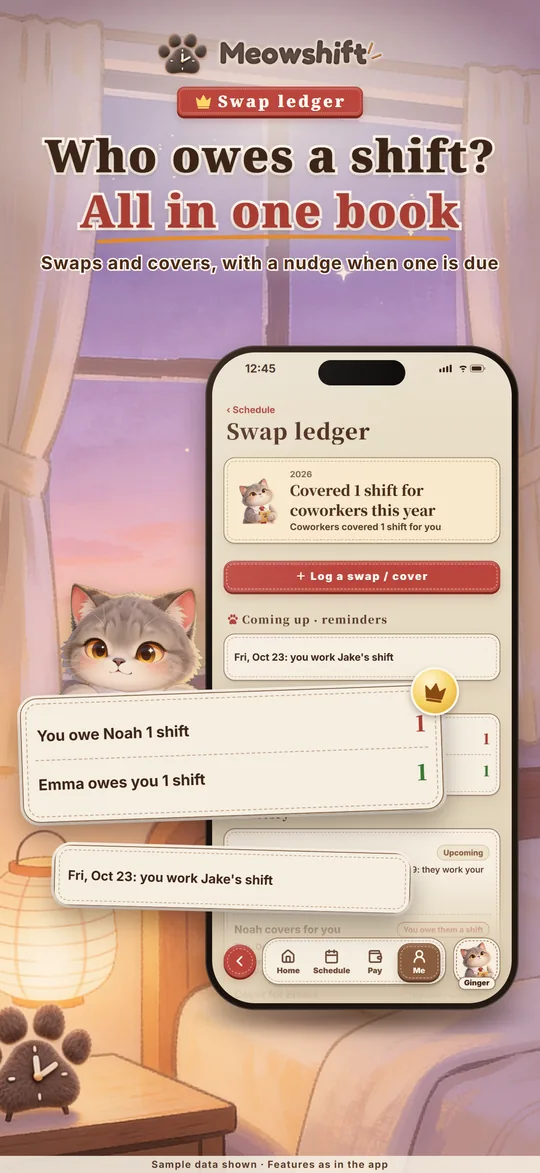
  • Swap ledger: which day you swapped and who owes whom a shift

Take a look

Free and PRO

🎁 Full PRO for your first 7 days: every PRO feature is yours for the first 7 days after you download, with no payment and no automatic charge. After that, keep the basics for free or subscribe to Meowshift PRO.

FREE

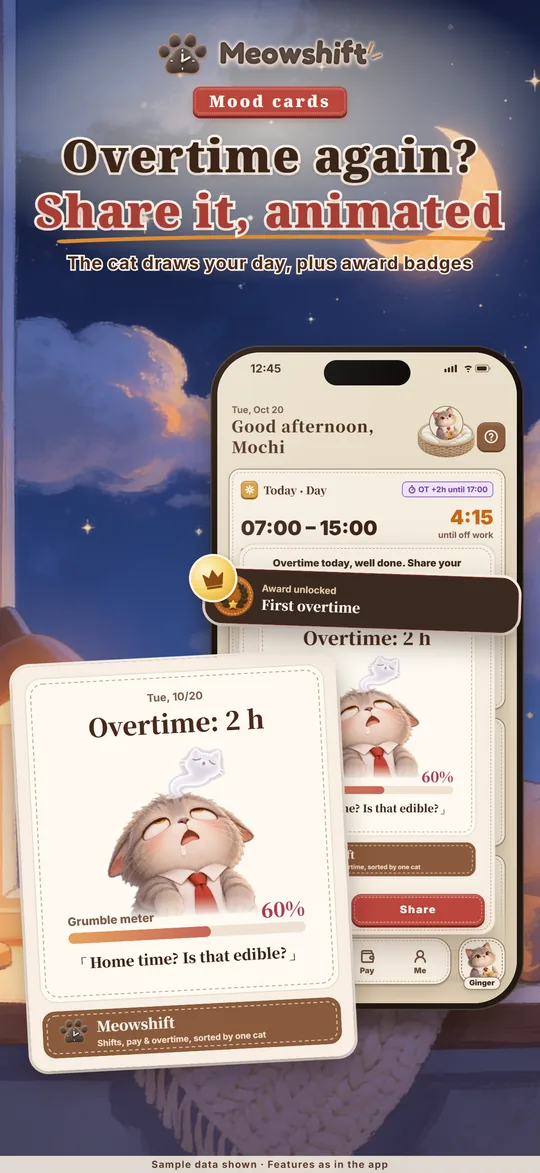
  • 1 job, this month's and next month's schedule, shift alarms, this month's estimated total and a payday reminder the day before, plus overtime mood cards
  • Your data stays and carries over when you upgrade to PRO

MEOWSHIFT PRO (SUBSCRIPTION)

  • Meow Assistant
  • A second job and more; schedules for any month
  • Overtime details, deductions, take-home pay and what you earn each day
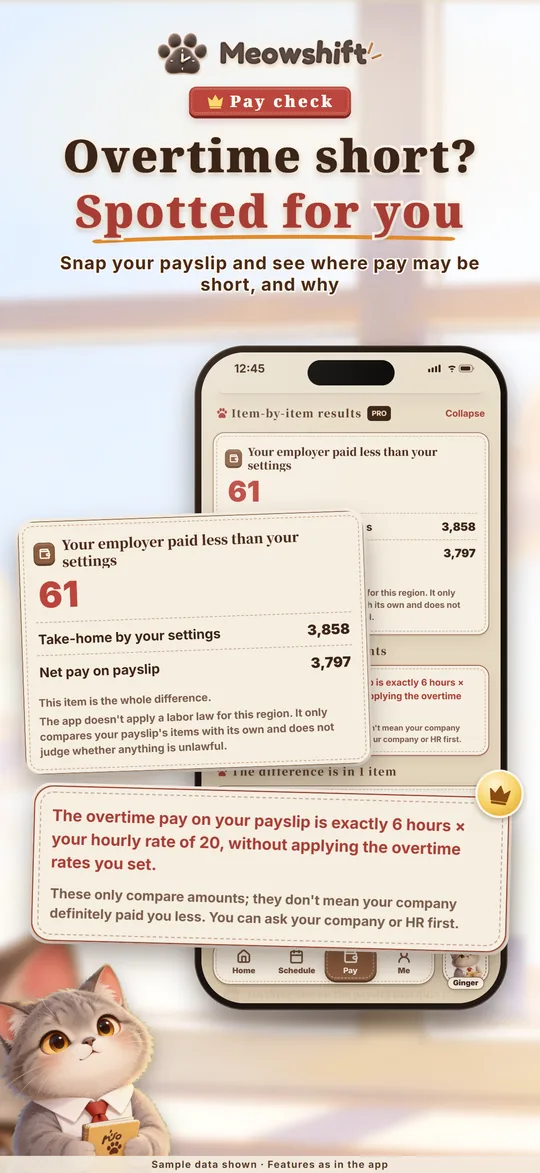
  • Payslip reading from a photo or file, checked line by line for underpayment and extra deductions; past pay checks and month-by-month comparison
  • The check says where your pay may be short; payslip lines it didn't match can be added by you and stay in History and exports
  • Leave balances and expiry reminders
  • Widgets, Apple Watch, and a live countdown in the Dynamic Island and on the Lock ScreeniOS
  • Awards (from your shifts, leave and overtime), Savings goal, Meow's Year in Review
  • Yearly pay chart, Long break magic, Cover check
  • Share your schedule as an image or PDF; PDF and Excel pay reports
  • Cloud sync and automatic backup

Prices vary by region; the App Store or Google Play shows yours. Subscriptions renew automatically, and you can cancel any time in the store.
Estimates are for reference only; your employer's payslip is the final word.

Your data, your call

📱Your shifts, pay and leave are stored on your phone first
☁️Cloud sync needs PRO, and only uploads once you turn it on
👋Start without an account
🗑️Delete your account in the app at any time

Meowshift: Shift Work Calendar

Schedule, overtime pay, payday